Platform Overview
Let's discover Enov8 with our In-Browser Demo.
Introduction
The Enov8 Environment Management (EM) Suite focuses on a holistic approach to IT & Test Environment Management utilising the Environment Management Maturity Index (EMMi) as a framework. The EM suite is designed with a modular structure, allowing optional features that are not essential to the core solution to be disabled if they are not relevant to your organization.
Login
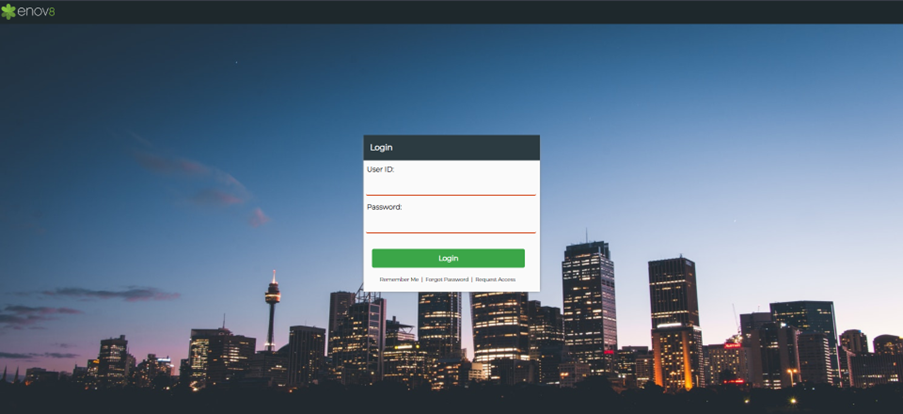
You can also utilise the Request Access link to fill out a form to streamline your access to the solution.
Note that the Request Access function will create an inactive user and raise a notification for your system administrator to approve the newly created user account.
General Navigation
Once logged in, you will be presented with the Landing Page in the main section as well as the following areas.
- Navigation Bar – Menu for navigating between the various Dashboards, Reports and Management areas within the solution modules.
- Global Search – For searching all occurrences of a certain string. E.g., Database.
- Toolbar & Help – For accessing various user and administrative functions including Help documentation for the solution.
- Quick Links – Third-party links to access quickly. These can be edited by the Edit Button on the home page by the admin.
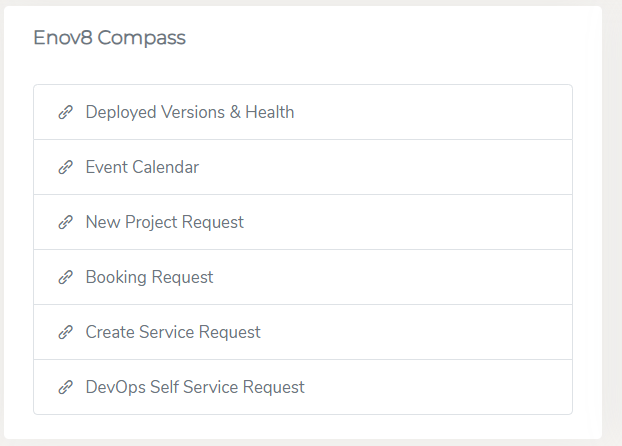
- Enov8 Compass – Quick Link to Enov8 Ecosystem Reports & Forms.
Navigation Bar
Use the top navigation bar to access key modules such as Environment, Release, Project, Event, Service, Configuration, Data, and Orchestration.
Hover over or click on any menu item to view and select related Dashboards, Reports, or Management screens.
You can also use the global search bar at the top to quickly locate specific records or functionality by entering relevant keywords (e.g., “Booking”).
Additionally, you can use the Favourites feature to save frequently used reports for quick and easy access.
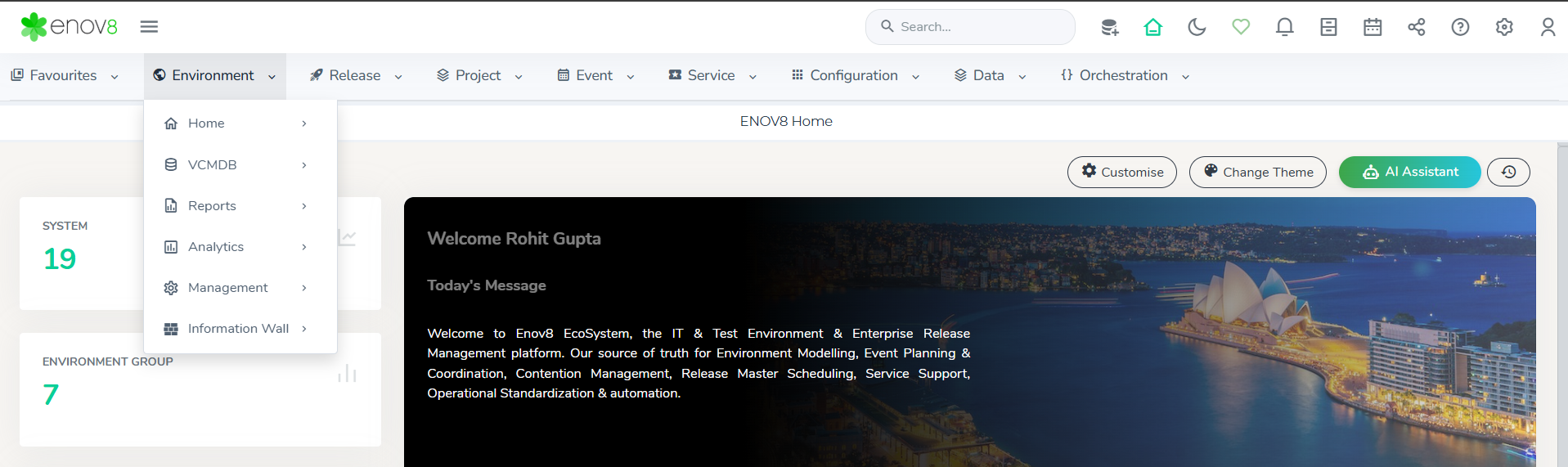
Note: Certain modules or functionality may be disabled for your organisation or user role.
Global Search
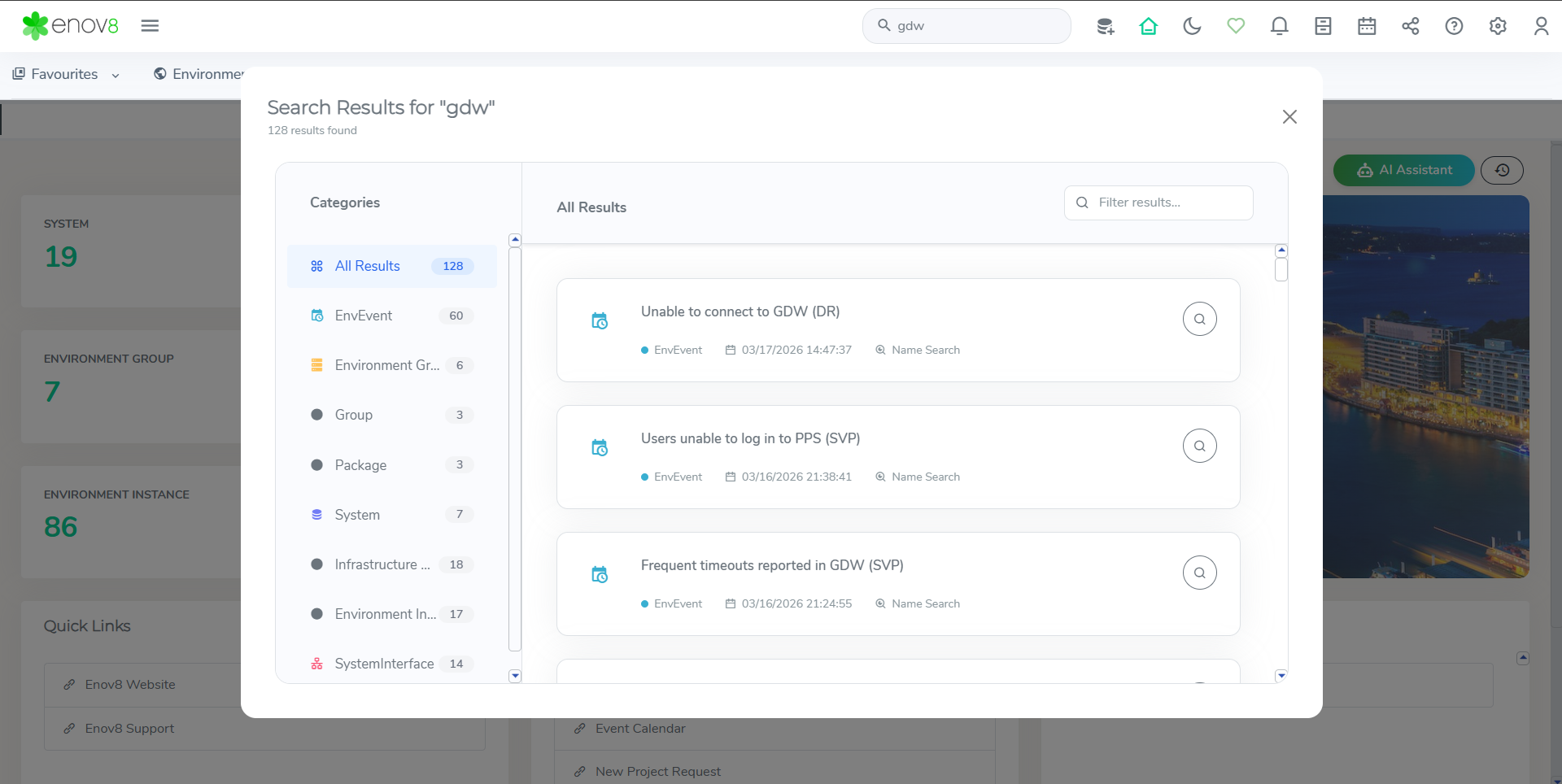
You can search at any time for all objects that match a certain value.
Example: Searching for an application name like “GDW” will bring up all objects relating to GDW.
The search results are displayed category-wise, making it easier to navigate and find relevant information.The dialog can be closed by clicking the close button.
Toolbar & Help
The table below describes what each icon and function does within the solution.
| Icon | Description |
|---|---|
 | Quick Add allows a user to add resources and items into the application |
| Redirects the user to the home screen. |
| Switch between dark and light mode. |
 | Adds favourites/removes from favourites the current screen in the search section of the navigation tree. |
 | Shows notifications and objects that have recently been modified by other users. |
| The Report Hub is a centralized location for accessing various reports. Users can view pre-built reports and dashboards, as well as add their own custom reports. Additionally, users have the option to create personal reports by marking them as Private, which restricts access to those reports from other users. |
 | My event calendar shows all the events happening across the organisation. |
| Allows a user to download a screenshot or generate a link to certain dashboards and reports so users can view the report or dashboard without requiring a user account. |
 | Provides links to online help and support as well as internal pages on user permissions, API information and workflows. |
 | The Settings menu provides centralized access to system configuration and administrative tools, allowing users to manage and customize key platform functionalities efficiently. Admin user access is required to view this. |
 |
|
User Experience & Customization
You can customise your screen using the Customise and Change Theme options available on the home page.
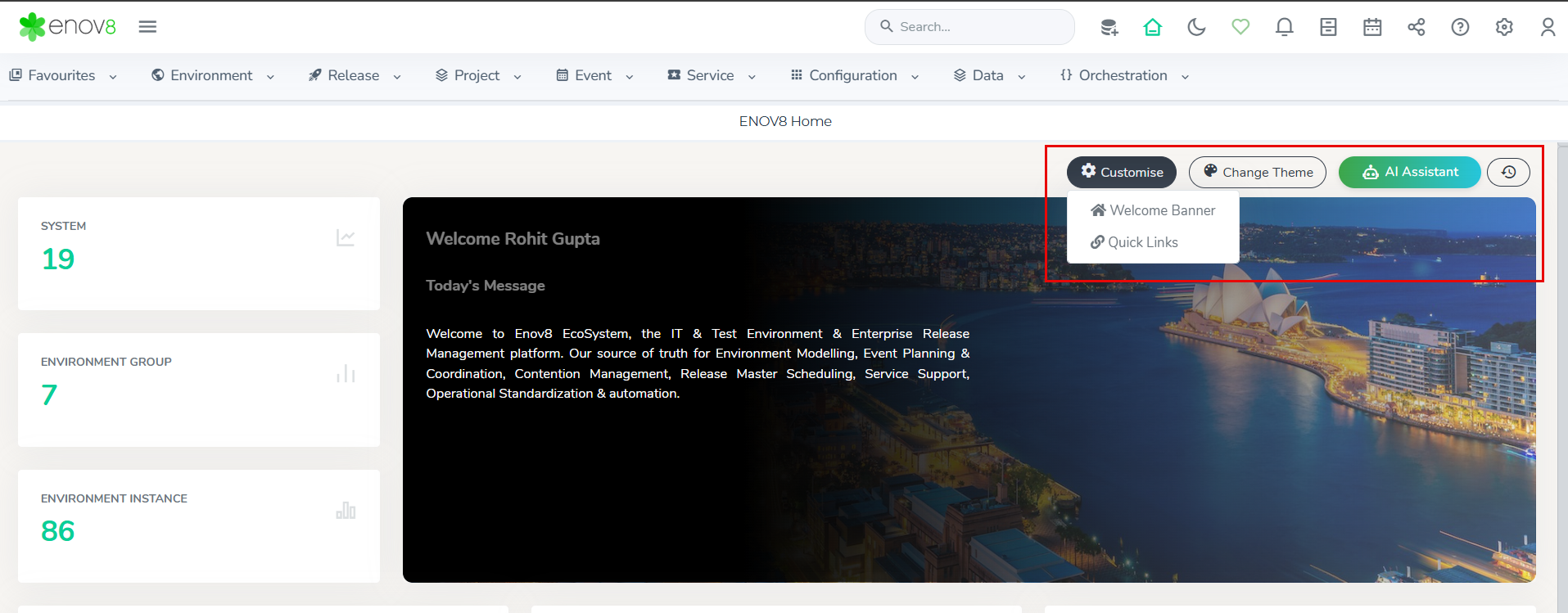
This allows you to update background images and select themes such as Classic (TEM), Release, and TDM, depending on whether you want to highlight environment resources or release-related information.
A side menu is also available to quickly access reports you are currently working on, helping improve navigation efficiency.
The AI Assistant provides help, insights, and guidance while working within the platform (to be configured).
Quick Links
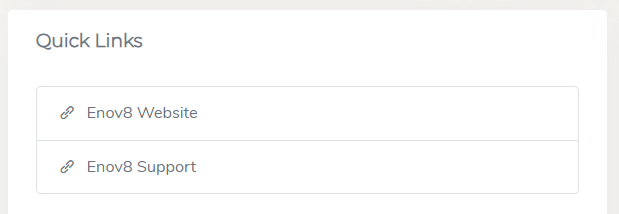
Quick Links provide easy access to third-party URLs and can be edited by the admin using the Edit button on the home page.
Enov8 Compass
Quick Link to Enov8 Ecosystem Reports & Forms.