DataFactory Overview
DataFactory gives your test environments realistic data without copying production into them.
It has two engines that work together:
| Prune | Bloom | |
|---|---|---|
| What it does | Cuts a large database down to a small, referentially intact subset. | Generates realistic synthetic data from a schema. No source rows needed. |
| Use it when | You need real structure and volumes, just smaller. | You can't use production data, or there isn't any yet. |
| Starts from | A connection to your database. | A template, a SQL schema or a virtual data set. |
| You get | One restore SQL file that creates the tables and inserts the subset, or CSV/JSON files per table. | CSV, JSON or SQL inserts, or rows loaded straight into a test database. |
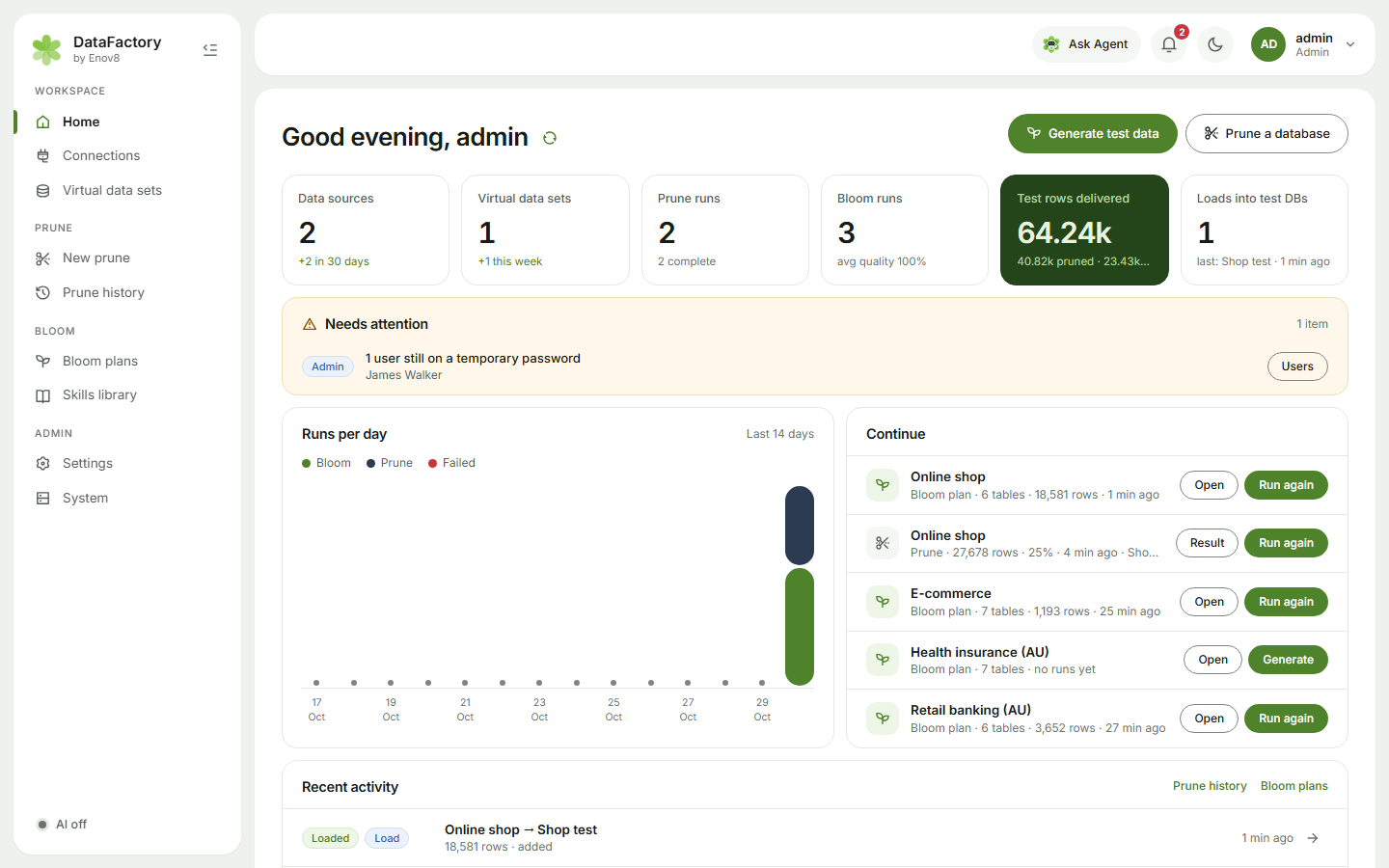
How it fits together
The Home page has two starts: Generate test data and Prune a database. Each one leads straight on to the next step:
- Connect a database: MySQL, MariaDB, SQL Server, Oracle, PostgreSQL, Db2 or SAP HANA.
- New prune: pick the starting tables your tests begin from. DataFactory follows the relationships to everything they link to and saves it as a virtual data set (VDS).
- Prune it to a sample, or Make synthetic data from it with Bloom.
- Download the result, or load synthetic rows into an approved test database.
Bloom can also start without a connection: paste CREATE TABLE statements or pick a ready-made template for banking, insurance, health, telco, government, energy, superannuation, retail, airlines or Salesforce.
What you can rely on
- No real values unless you choose them. When Bloom learns from a source database it reads table sizes. It reads the mix of values only in columns you approve, and a plan holding learned values stays private.
- Identifiers that pass validation. Card numbers, ABNs, TFNs, Medicare, IHI, NHS, NPI, NMI, IMEI and more carry real check digits. Every run is checked for keys, links, formats and business rules.
- The same data every time. The same plan and seed produce the same rows.
- AI is optional and off by default. With it on, only table and column names, settings and your brief go to the AI provider, never rows of data.
- It stays in your network. DataFactory runs on your own servers with no internet access, sends no telemetry and checks its licence offline.
- Automation. Run it from a pipeline with the REST API.
Where to next
- Setting up a server? See Install options.
- Already installed? Start with Quick start.