4.3.165.1
Key Features
Survey
This release introduces a new Survey feature that offers a streamlined, collaborative approach to collecting data from multiple stakeholders. Instead of relying on individual emails, the Survey feature simplifies data gathering, allowing for seamless updates and maintaining high-quality information without manual intervention.
Admin & Environment Team can create and manage surveys. The collected data is directly integrated into relevant fact sheets, providing valuable stakeholder insights. These insights empower teams to drive strategic initiatives and make informed decisions, shifting the focus from manual data management to higher-value activities.
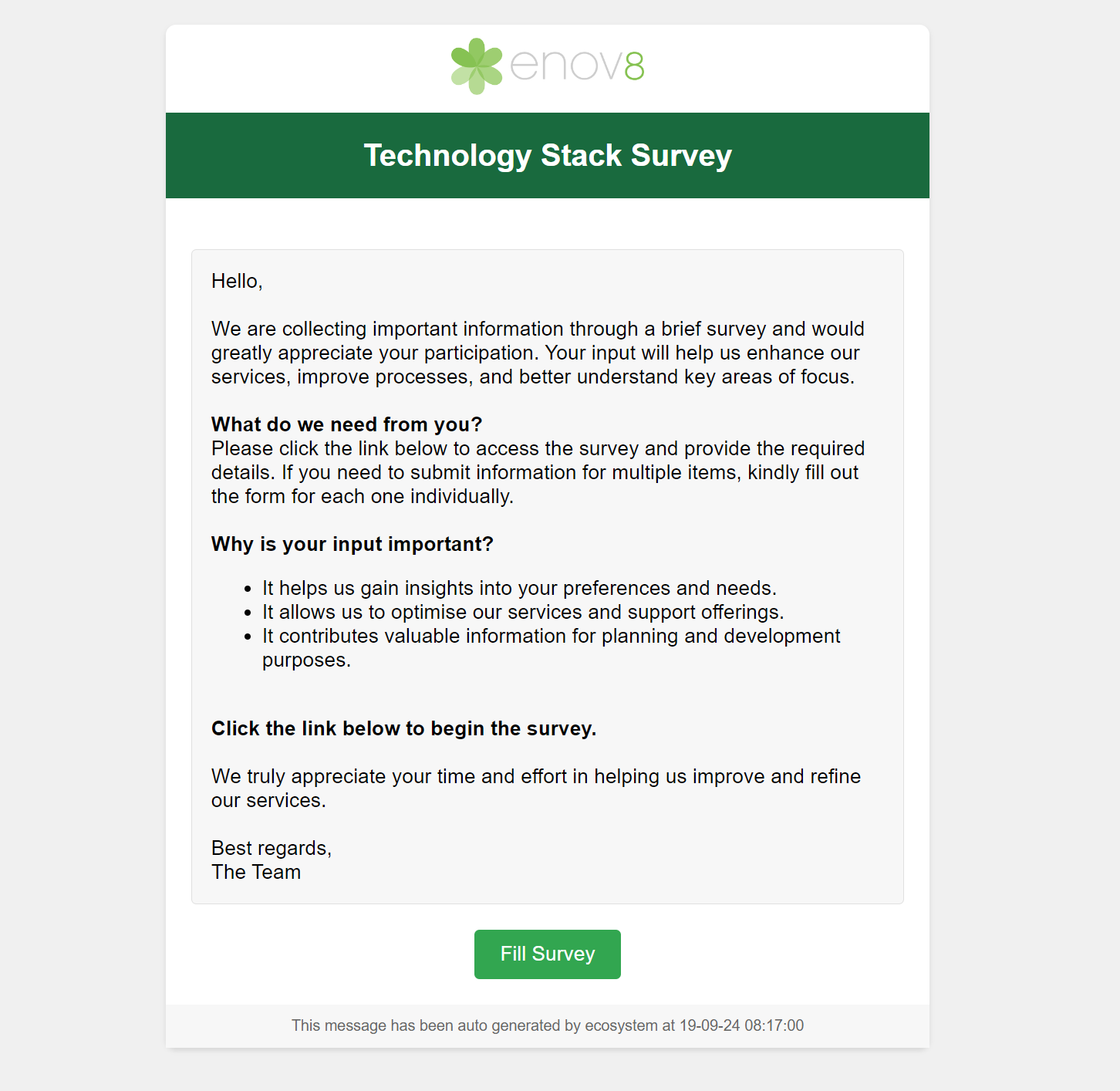
Sample Survey Email
Report Hub
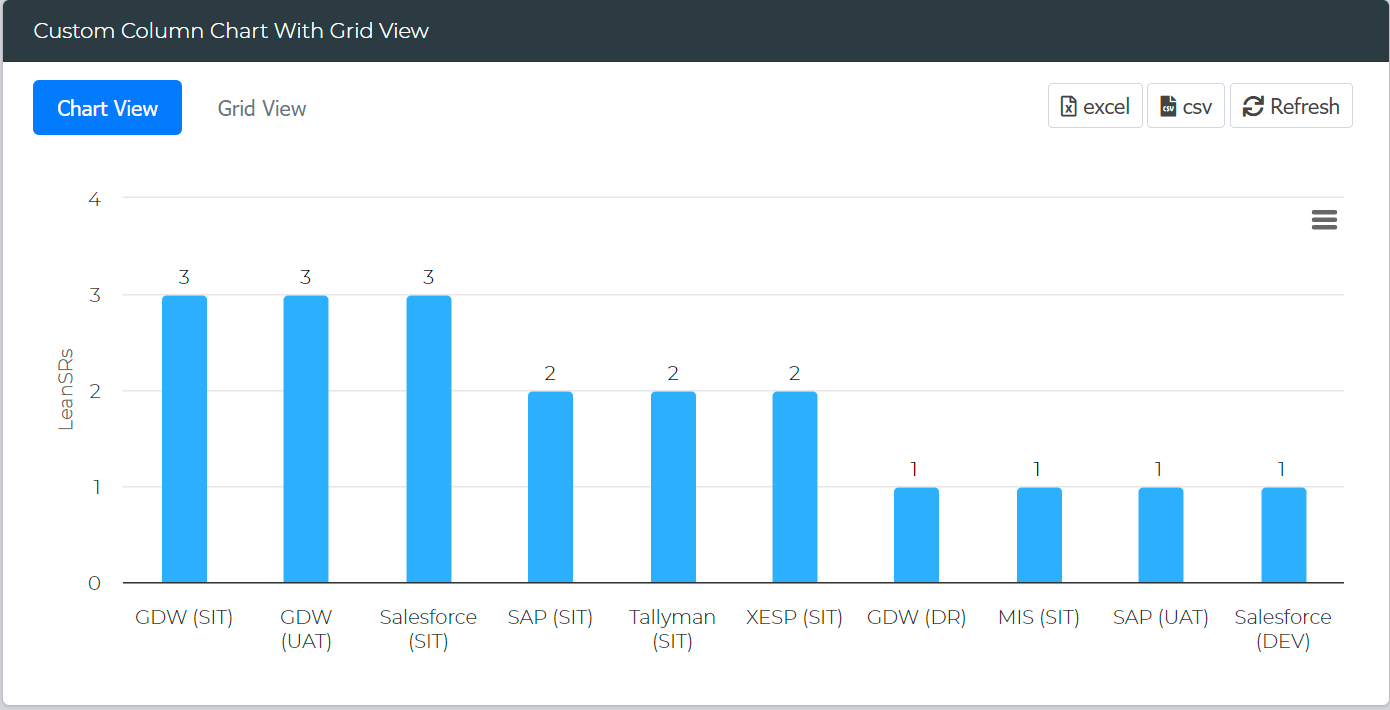
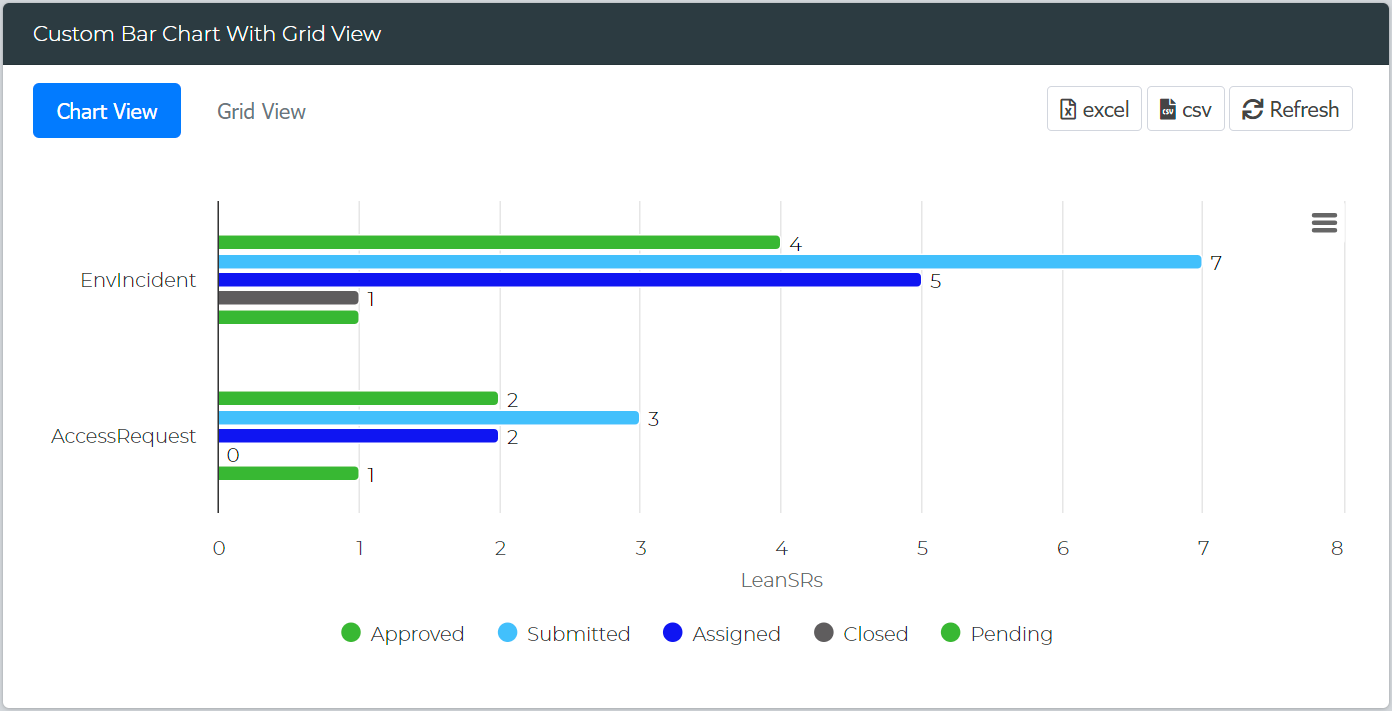
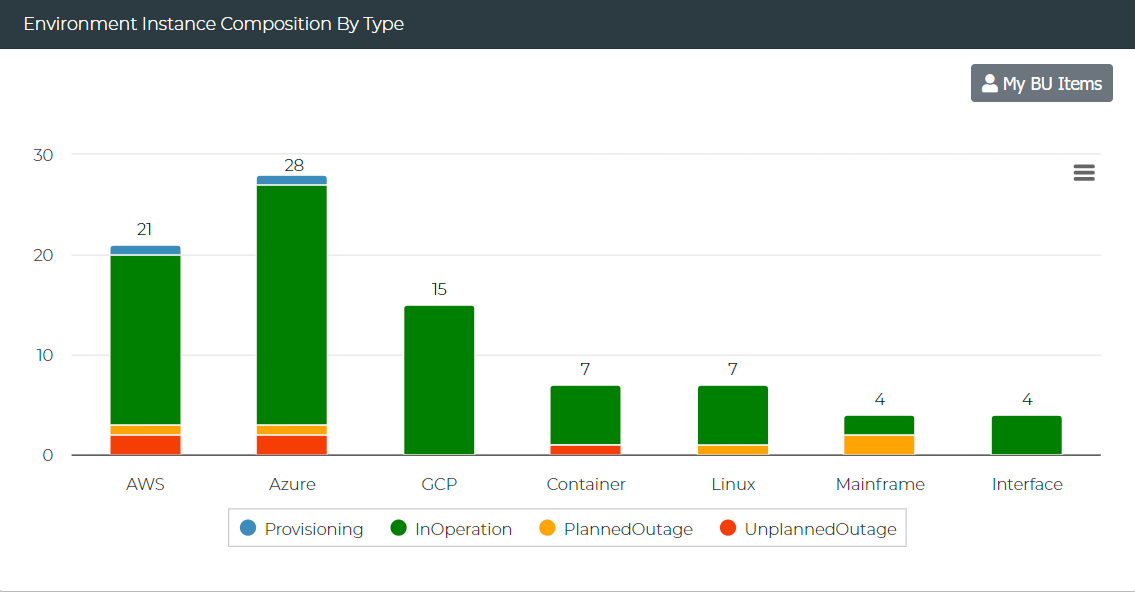
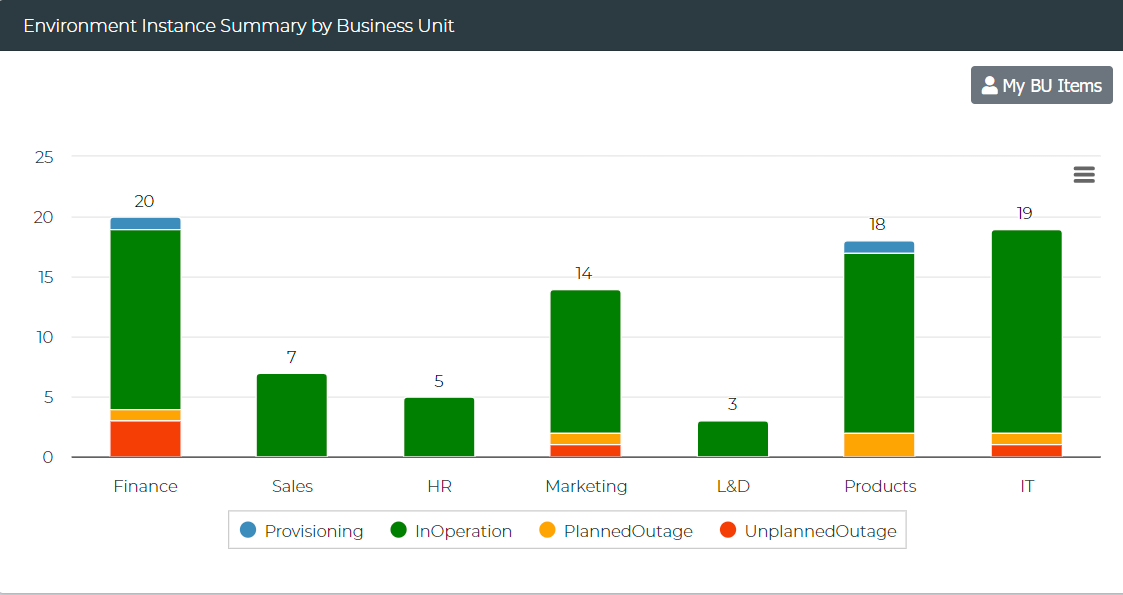
This release introduces the Report Hub, a centralized location where users can access, create, and manage reports. The Report Hub allows users to view out-of-the-box reports and dashboards, as well as add their own custom reports.
The Report Hub is conveniently accessible via a button on the top bar, enabling quick and effortless access to reports and dashboards.
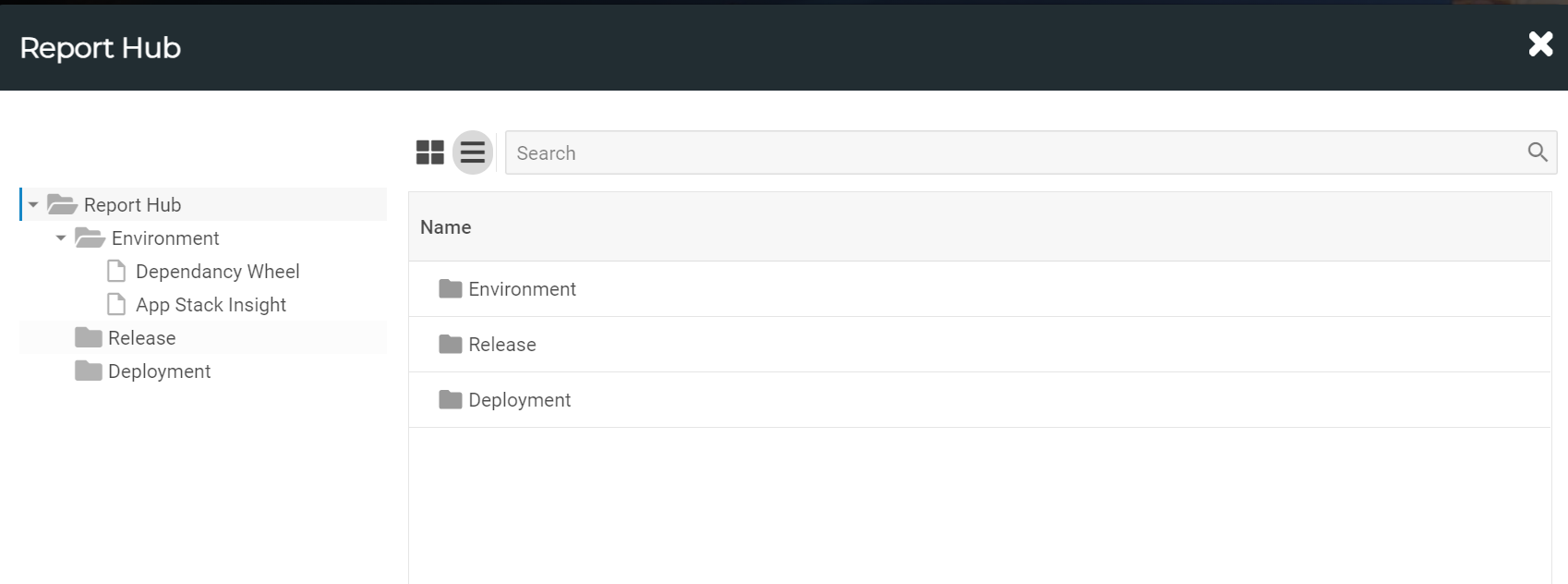
Report Hub
Quick Add Menu
A new Quick Add Menu has been added to the top bar, enabling users to add objects quickly from any screen. This feature provides an accessible and streamlined way to create new items without navigating away from the current screen. By offering a shortcut for object creation, the Quick Add Menu improves user efficiency and simplifies the workflow for adding key objects across the platform.
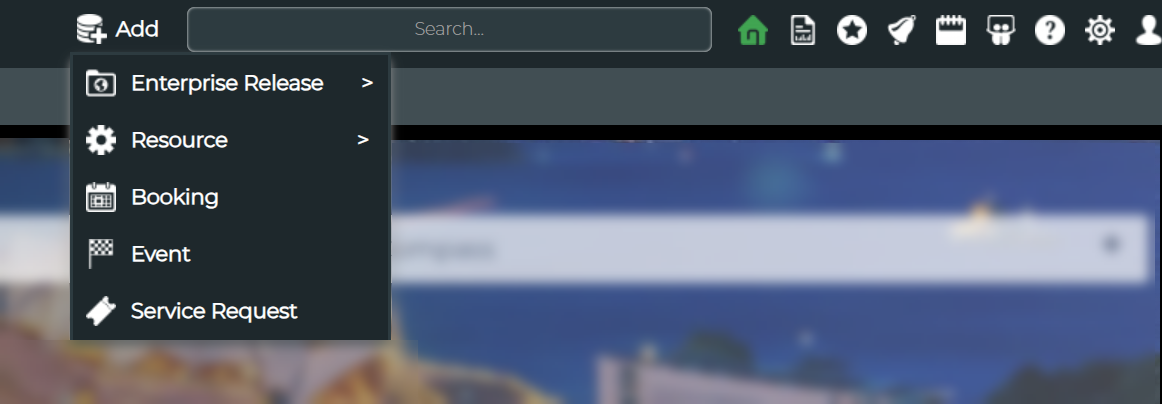
Quick Add Menu
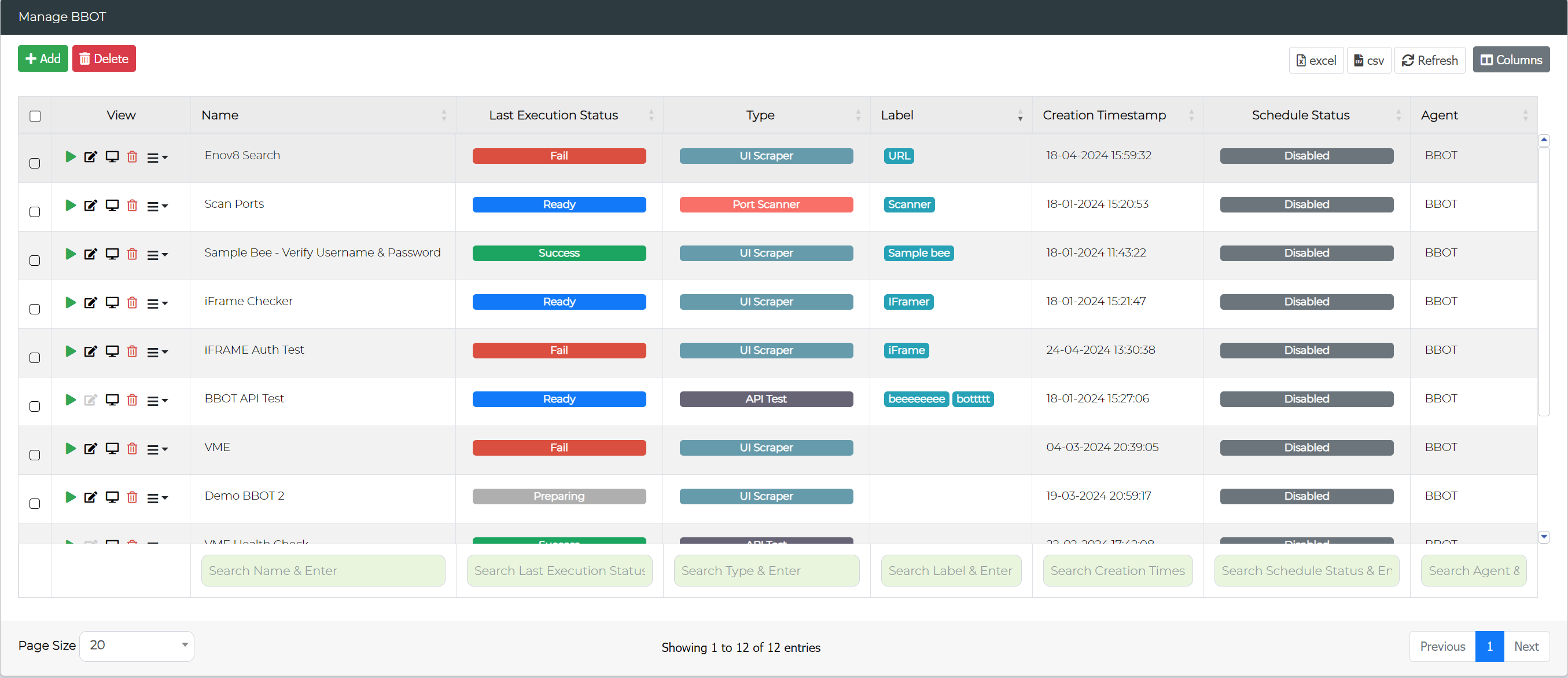
Export and Import Features for BBOT
-
Export BBOT Tests in JSON Format
The new Export feature enables users to export their BBOT tests in JSON format. This allows for easy sharing and the ability to quickly make changes to tests outside of the platform. The exported JSON file can also be used to re-import changes, making the test editing process more flexible and efficient. -
Import BBOT Test Changes Using JSON
The Import feature has been introduced to facilitate updating existing BBOT tests by importing a JSON file. This ensures a seamless process where users can export a test, make changes, and re-import those changes directly into the platform, streamlining test management. -
Clone BBOT Tests
A Clone feature has been added, enabling users to quickly create a duplicate of any existing BBOT test. This helps in rapidly setting up similar tests without needing to recreate configurations from scratch.
Enhanced Test Creation for BBOT
-
Add BBOT with JSON Import for Tasks
The Add BBOT feature now includes the ability to add tasks to a BBOT test via JSON import at the time of creation. This enhancement allows users to speed up the initial test setup by importing pre-defined task configurations. -
Add Sample BBOT Tests by Type
A new feature under the Add BBOT option provides users with the ability to create sample BBOT tests based on predefined test types. This serves as a helpful starting point for users looking to quickly get started with BBOT test creation, reducing the effort needed for test setup.
Clone Option for Runsheet Instance
A new Clone feature has been added for Runsheet Instances, allowing users to quickly duplicate an existing runsheet instance. Additionally, the Clone feature also duplicates any attachments associated with tasks within the runsheet. This ensures that all relevant documents and files are carried over to the cloned instance, preserving context and details for similar tasks, and saving users from manually reattaching files.
Connection Group (Data Management)
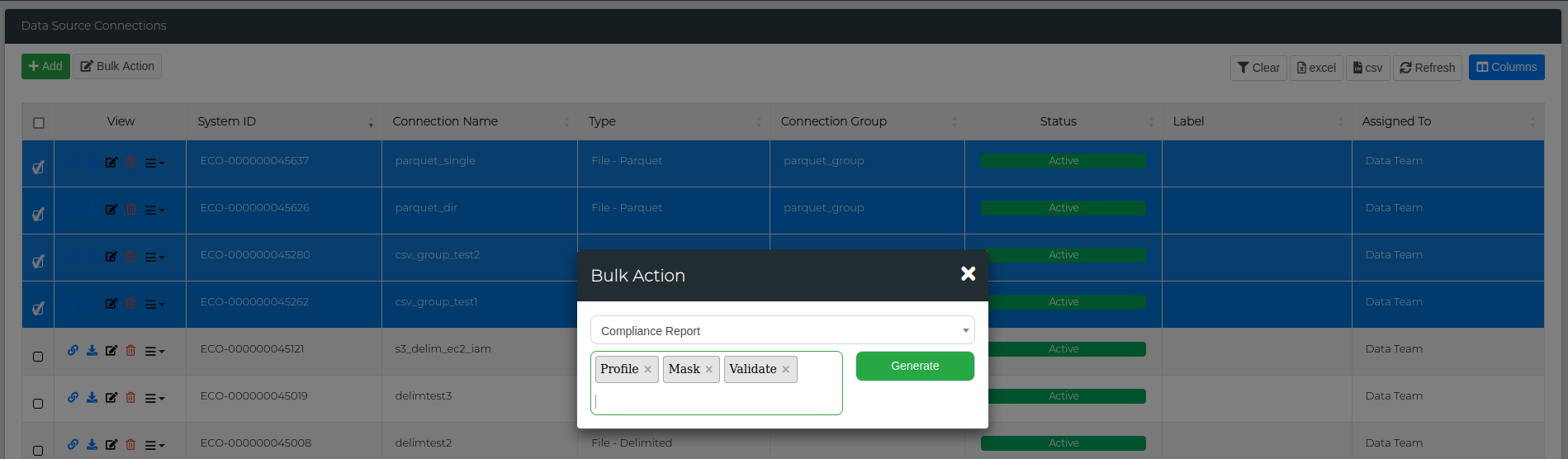
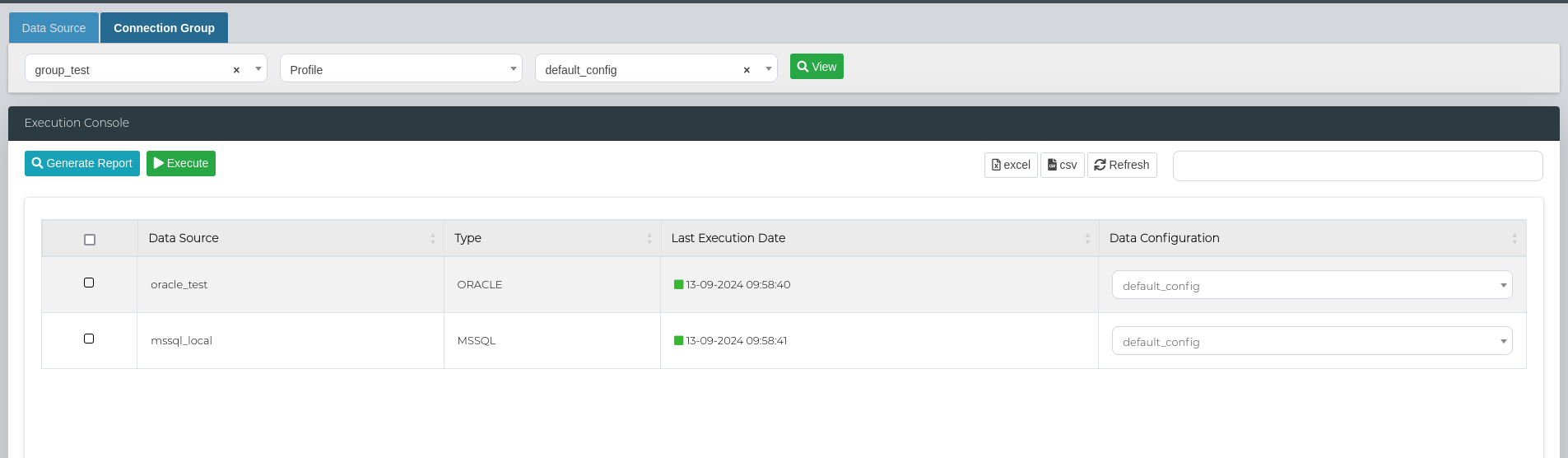
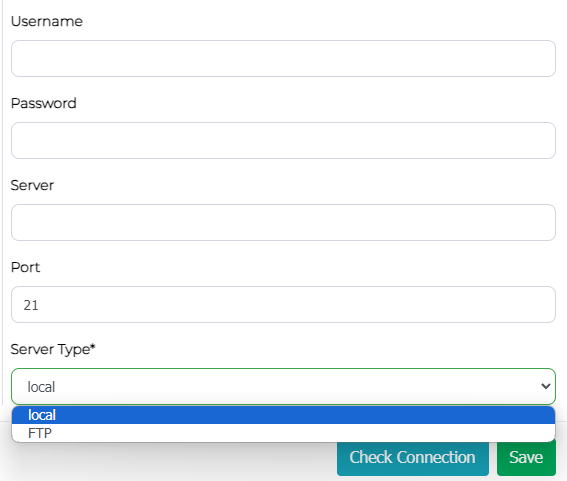
A new Connection Group feature has been introduced in the Data Manager, allowing users to create groups of data sources. This enhancement provides two main benefits:
-
Bulk Data Operations
Users can now perform operations such as data profiling, masking, and validations on entire groups of data sources at once. This eliminates the need to execute these operations individually, greatly streamlining the workflow and improving efficiency for large scale data management. -
Group-Based Report Generation
The feature also includes the ability to generate comprehensive reports for connection groups, offering detailed insights into the data operations performed across the group. This allows users to analyse and review data changes, profiling, and validations across multiple data sources in a single report, making it easier to track and manage data operations.
Bulk Upload (Data Management)
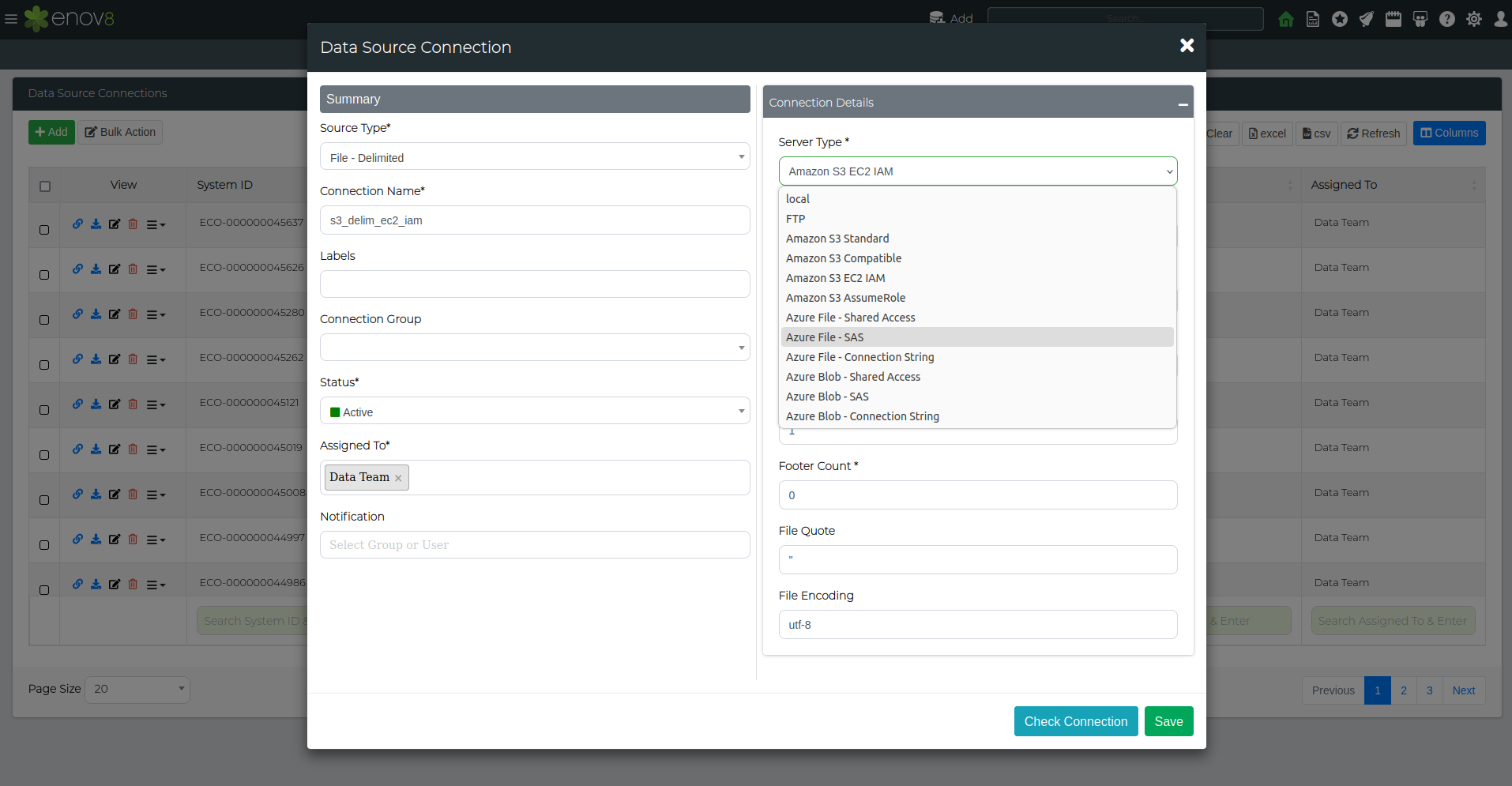
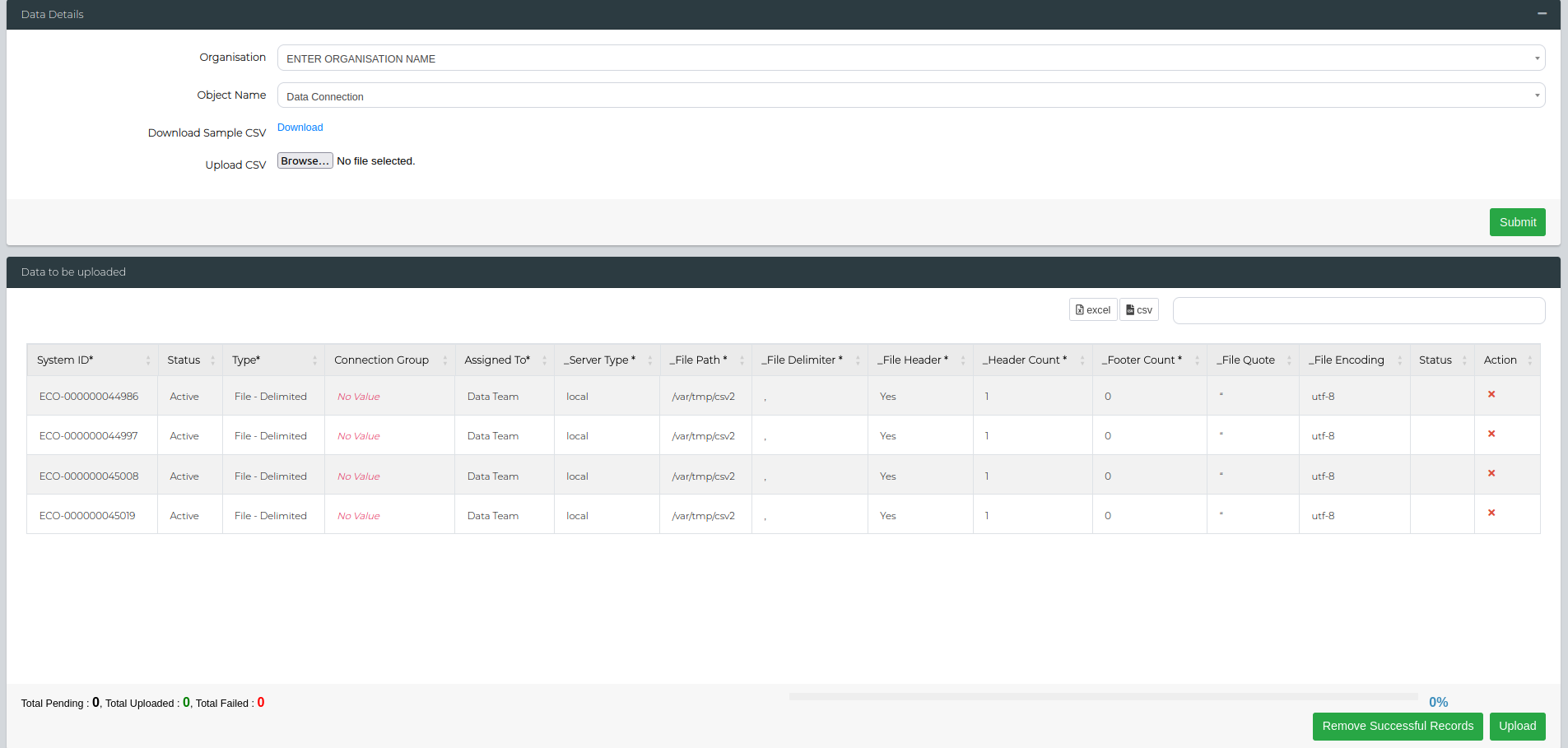
A new feature for Data Connection Bulk Upload has been added to the Bulk Upload Module. This allows users to upload multiple data connections in one action, streamlining the process of setting up or updating data connections. By enabling bulk uploads, users can efficiently manage large volumes of data connections, reducing manual effort and minimizing the risk of errors. This feature enhances data management capabilities by simplifying the onboarding or migration of data sources.
Orchestration Management AddOns
This release brings new integrations addons for uDeploy, Microsoft Teams, Dynatrace, and Azure, enhancing orchestration and automation within the Enov8 platform. These add-ons streamline deployment management, boost collaboration, improve health monitoring, and extend cloud capabilities.
Enhancements
LeanSR
-
Multiple Booking Record Connections
The LeanSR class has been enhanced to support connections to multiple booking records. This improvement allows users to track multiple booking requests associated with a single LeanSR record, offering greater visibility and control over the lifecycle of booking requests. Users can now manage and track all associated booking requests from a single source, improving efficiency in handling complex bookings and providing comprehensive insights into each request. -
New Properties: Impact & Urgency
Two new properties, Impact and Urgency, have been added to the LeanSR class. These properties provide additional granularity, allowing users to better assess and prioritize requests and incidents based on their potential impact and the urgency with which they need to be addressed.
Ecosystem Logs
-
Ecosystem Log Module for System Admins
The Ecosystem Log Module is now visible to System Administrators, providing them with direct access to view and manage system logs. This module offers enhanced visibility into system operations, allowing administrators to monitor key activities across the platform. -
Enable/Disable Logging
A new feature has been added to the Ecosystem Log Module, allowing administrators to easily enable or disable logging. This feature offers greater control over log management, enabling admins to optimize system performance by toggling logging as needed based on operational requirements.
Fact Sheet Quick View
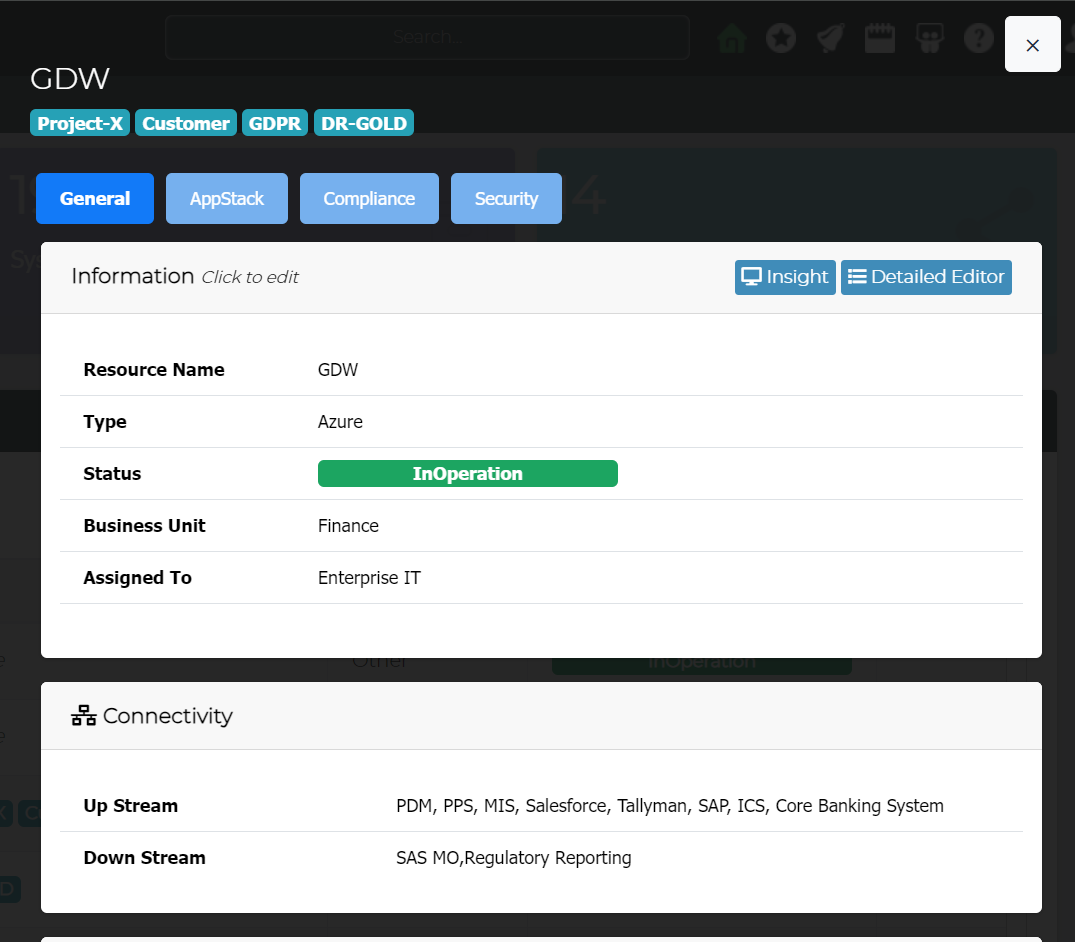
The Fact Sheet view for CMDB Objects has been enhanced to display Tag details when available. This improvement allows users to quickly access and review tag information directly within the CMDB object quick view.
4.3.165.1.2
Release Date: 26th September 2024
Improvements
- Enhanced security by removing references to third-party URLs in CSS.
Fixed
- Resolved permission issues, allowing proper access to attachment folder contents.
4.3.165.1.3
Release Date: 27th September 2024
Fixed
- Corrected functionality in Manage Custom Dashboard, ensuring proper saving of Allowed Roles.
4.3.165.1.4
Release Date: 3rd October 2024
Fixed
- Addressed an issue preventing unexpected resets of ecoconfig to default settings.
4.3.165.1.6
Release Date: 17th October 2024
Fixed
- Enhanced Project Environment View to correctly display records when multiple project filter options are selected.
4.3.165.1.7
Release Date: 23rd October 2024
Fixed
- Restored functionality of the "Copy" feature in the Booking Form, improving user workflow.